



courieR syncs installed R packages between R versions on the same machine — migrate from old to new, or selectively copy packages from a source installation into a target installation. No manual reinstalling, no lost libraries.
This package is fully AI-implemented — co-authored by Claude Fable, Claude Opus, Claude Sonnet, and OpenAI Codex via Claude Code — with the author directing requirements, reviewing every decision, and owning the outcome. A proof-of-concept for human–AI co-authorship in open-source R.
Install from CRAN:
install.packages("courieR")Or install the development version from GitHub:
pak::pkg_install("lennon-li/courieR")library(courieR)
hub() # point-and-click dashboard
migrate("4.5.2", "4.6.0") # one-line CLI migrationThe dashboard detects all R installations on your machine, displays them in a header bar, and lets you compare and sync packages between any two.
courieR detects every R installation on your system, scans their package libraries, and lets you push packages from a source installation into a target installation — using pak under the hood.
R 4.4.1  ──▶  compare()  ──▶  missing / outdated packages found
──▶ ship() installs or upgrades into target Rfind_routes() searches multiple sources per platform so
it finds installs regardless of whether admin rights were used:
| Platform | Sources searched |
|---|---|
| Windows | HKLM registry (admin installs), HKCU registry (non-admin installs),
%ProgramFiles%\R, %LOCALAPPDATA%\Programs\R,
%USERPROFILE%\Documents\R, rig-managed versions |
| macOS | System R framework (/Library/Frameworks), user
framework (~/Library/Frameworks), Homebrew
(/opt/homebrew, /usr/local), rig-managed
versions |
| Linux | /opt/R (rig system), ~/.local/share/rig/R
(rig user), conda environments, custom paths |
| Function | What it does |
|---|---|
hub() |
Launch the Shiny dashboard |
migrate(from, to) |
One-call CLI migration between two R versions |
find_routes() |
Detect all R installations on the system |
manifest() |
List packages installed in an R version |
inventory() |
Compare two package libraries |
ship() |
Full-control migration (custom paths, callbacks) |
Launch the interactive Shiny dashboard with:
library(courieR)
hub()
The dashboard contains five flat tabs: Bulk Dispatch, Browse, Custom Dispatch, Manifest, and Maintenance.
The Bulk Dispatch tab compares two R libraries and ships all missing or outdated packages in one operation.
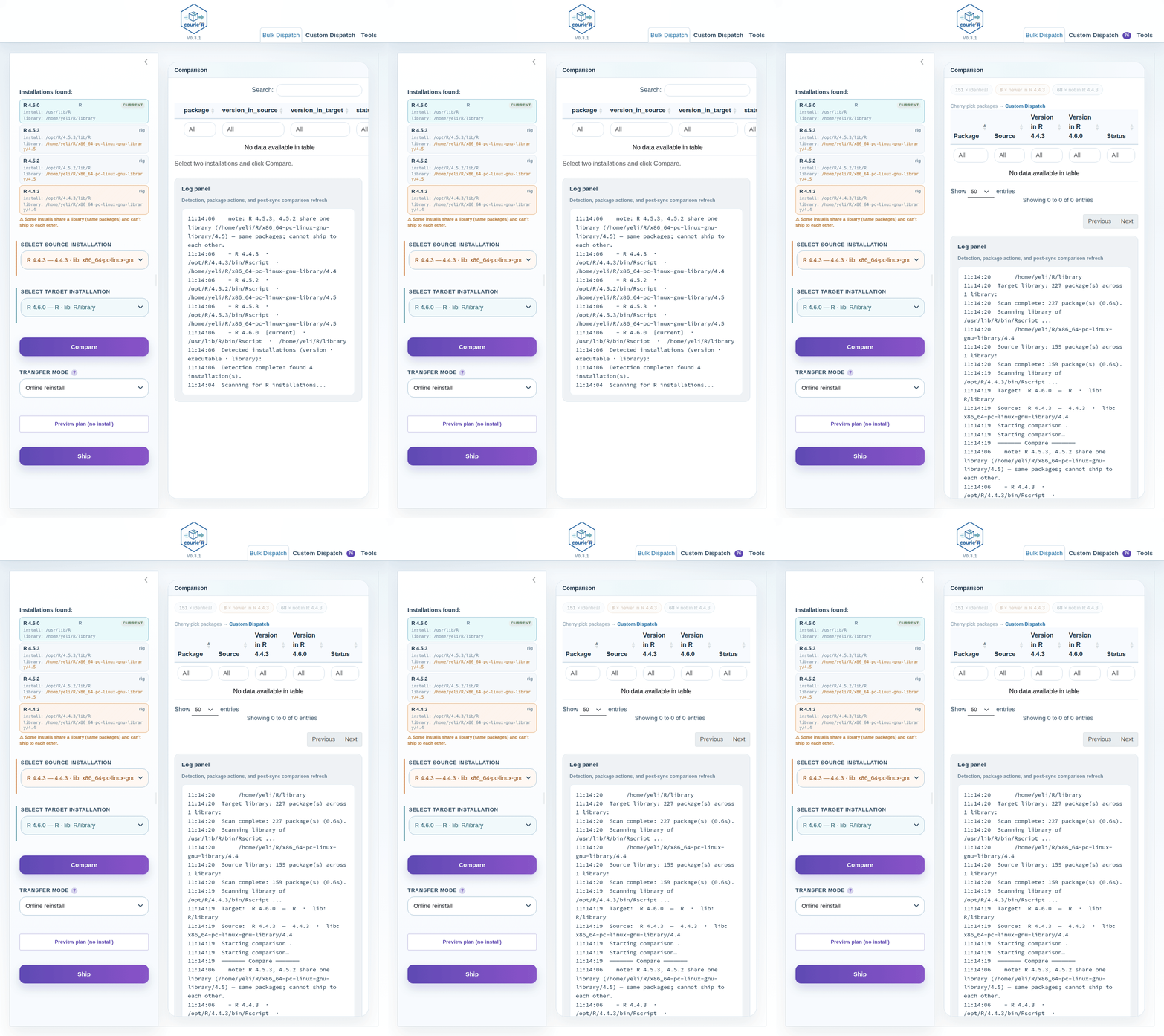
Workflow: 1. The header bar shows all detected installations (highlighted in the source/target accent colours once selected). 2. Select a source and a target R installation from the dropdowns in the sidebar. The target list is constrained to same-or-newer R versions. 3. Click Compare — the coloured chips above the table show counts of identical, missing, and version-mismatched packages. By default, only packages missing from target are shown. 4. Click Ship — a confirmation dialog shows the package count and estimated duration, then installs/upgrades packages into the target. 5. The log pane and a live hero panel track delivery progress in real time.
The comparison table lists unmatched and outdated packages first, ahead of packages that already match. When sync finishes, courieR rescans both selected installations and refreshes the comparison automatically.
The Custom Dispatch tab lets you cherry-pick individual packages instead of bulk-shipping everything.
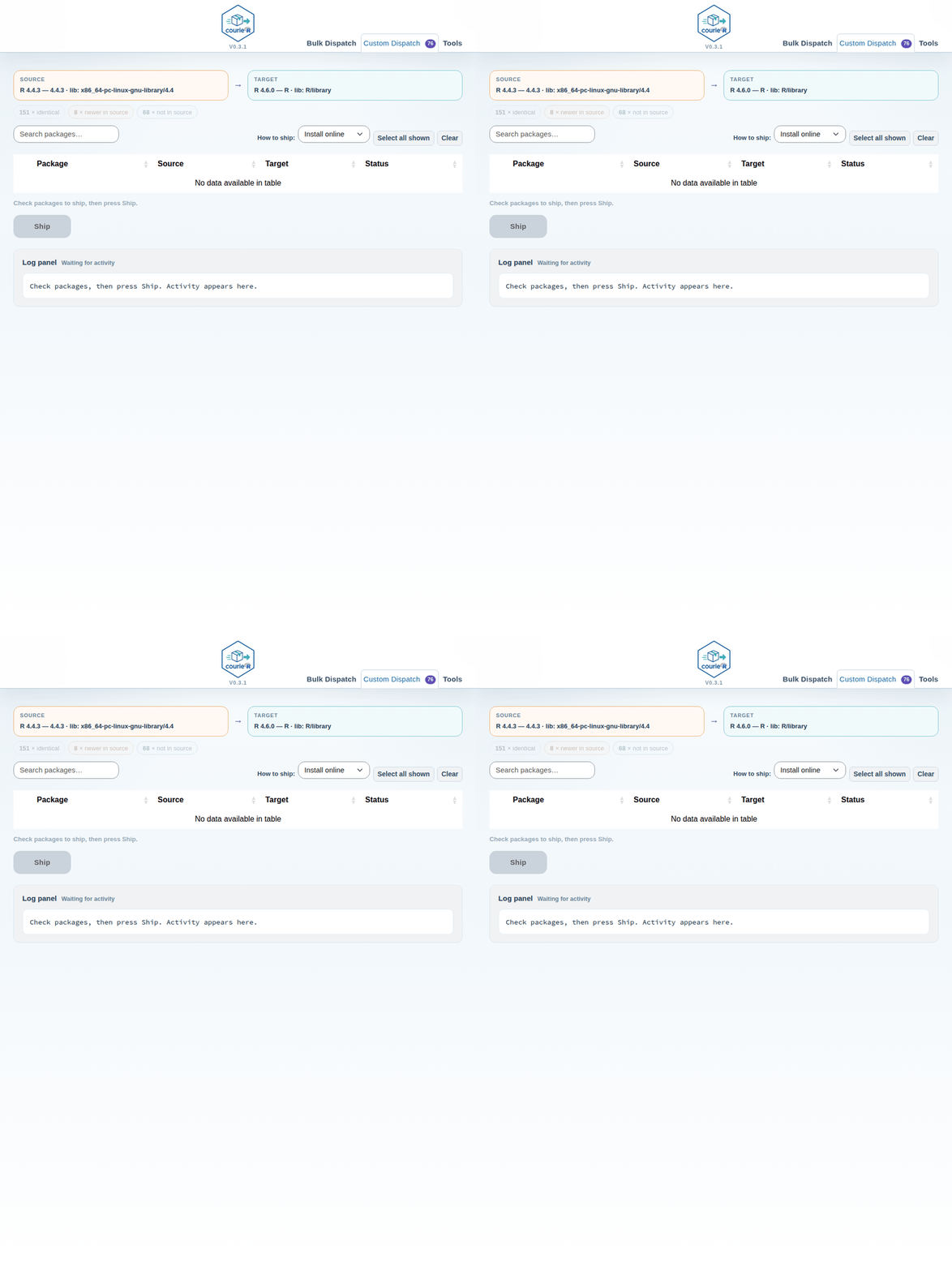
Workflow: 1. After running Compare in Bulk Dispatch, open the Custom Dispatch tab — the same comparison is shared instantly. 2. Use the coloured filter chips to narrow down the table (default: missing from target). 3. The Repo column shows each package’s origin (CRAN, Bioconductor, GitHub, or red unknown for local/private packages). 4. Check the packages you want to ship, choose Install online or Ship as-is, and press Ship N selected. 5. The log pane and hero panel track custom progress in real time.
The remaining tabs cover narrower workflows: Browse inspects any single detected installation’s package list, Manifest reports full inventory, and Maintenance restocks an installation from CRAN.
Prefer scripting? Use ship() directly:
library(courieR)

routes <- find_routes()
print(routes[, c("version", "rscript_path")])

# dry run first
result <- ship(
  source_path = routes$rscript_path[1],
  target_path = routes$rscript_path[2],
  dry_run = TRUE
)
print(result$plan)

# for real (upgrade = TRUE ensures outdated packages are also updated)
result <- ship(
  source_path = routes$rscript_path[1],
  target_path = routes$rscript_path[2],
  upgrade = TRUE
)pak available so it can
install packages into its own library